

01
Code-free spatial creation
Editing a spatial scene works much like editing video: a timeline for arrangement, events for interaction. No code.

ProStory · Spatial Studio
Design spatial scenes on your Mac, then sync them to Vision Pro to check your work at full size.
Everything you need to put a scene together.
01
Editing a spatial scene works much like editing video: a timeline for arrangement, events for interaction. No code.
02
Set what happens on tap, drag, gaze or approach, with parameters on each trigger.
03
Drag clips on a multi-track timeline and preview as you go.
04
Import 3D models, video, images and audio.
05
Pin content to an image, an object, or the viewer’s head or hands.
06
3D text, portals and lighting are built in.
07
Send the project to a nearby Vision Pro and open it in Story. Only the changes transfer.
A few sample projects.
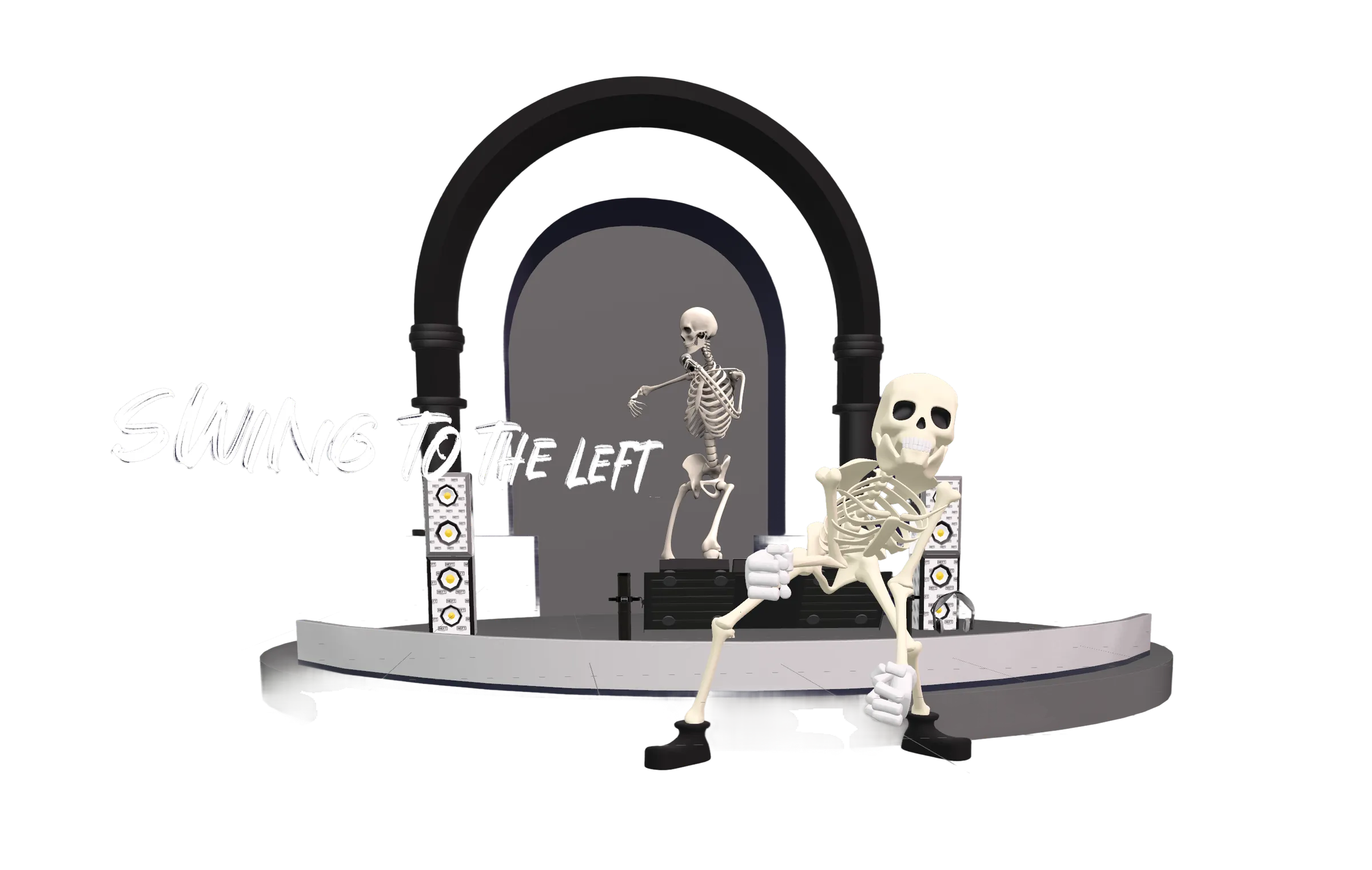
Sequence models, media, and effects on a multi-track timeline.
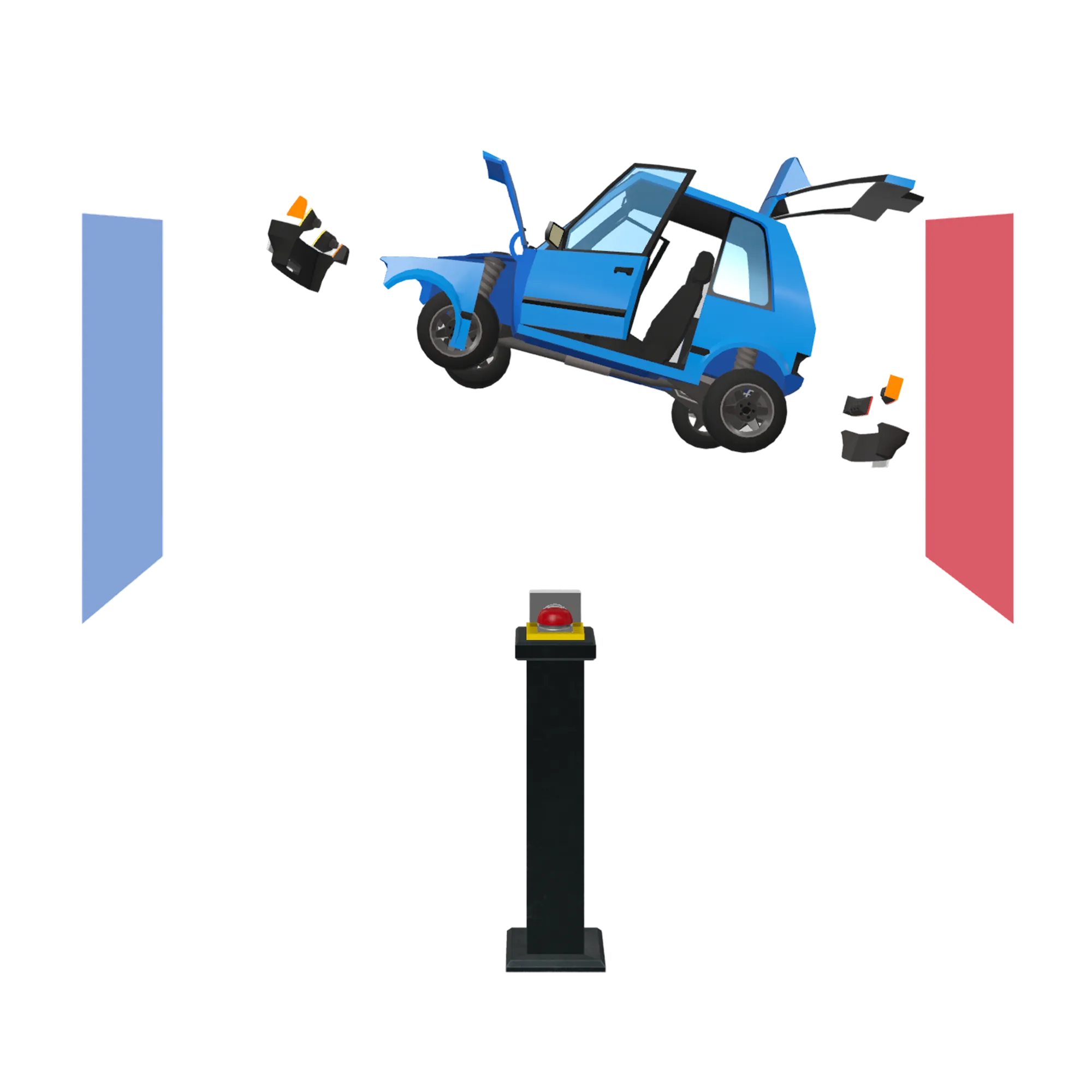
Let viewers pick up and reposition objects with their hands.
Open a doorway from the room into a fully immersive scene.

Drive interaction logic with your own parameters and conditions.
Download ProStory for free and begin shaping the future of spatial experiences. The path to advanced creation and collaboration is just a step away.